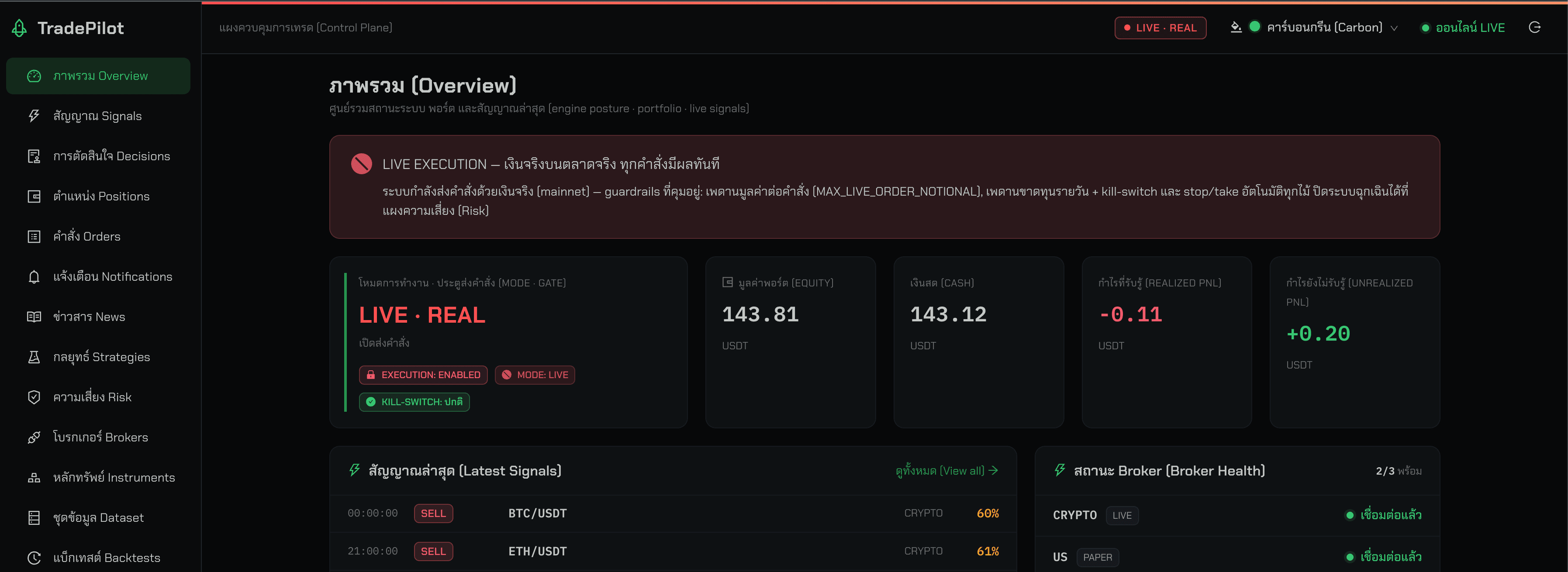
The admin side of a workplace attendance system: an employee directory, face enrolment, biometric terminals pushed their assignments, and attendance exports — shipped as a Windows installer that runs the whole thing on the customer's own machine.
Next.js
React
TypeScript
Ant Design
TanStack Query
Zustand
Electron
Express
Tailwind CSS
FA
Overview
Attendance systems live inside the building. The terminals are on the wall, the data is not allowed to leave, and the person running it is an HR administrator, not an engineer. So this ships as software you install: a single executable that sets itself up as a Windows service and serves the console at a local address, forever, without anyone tending it.
The console itself maintains a department tree and an employee directory, enrols faces in batches, assigns employees and departments to specific terminals, watches those terminals, defines door-access periods and shifts, and exports attendance to Excel and PDF.
The parts that were interesting to build
Shipping a static build that is still configurable. A static export bakes its environment variables in at build time. That is exactly wrong for on-premises software, where every customer has a different API host and nobody is going to rebuild the bundle. The fix spans both halves. The application reads its configuration from a global the page provides, falling back to build-time values, and resolves the API base through a getter on every request rather than freezing it when the client is constructed. The server that ships inside the installer reads a config file from the user's application-data directory, filters it to the public keys, and injects a small script into every HTML response it serves, with caching turned off for HTML so the injected values can never be stale. An operator retargets the API host from a settings screen; nothing is rebuilt.
A desktop app whose job is to install a service. The installer is a desktop shell whose real work is lifecycle management: install, start, stop and uninstall a Windows service that runs the bundled static server, persist the chosen port, and report status by querying the service manager directly. It also runs the same server in-process as a test mode, so an operator can confirm the port works before committing to the install.
Polling, tuned per data type. There is no socket. The monitoring screen layers refresh intervals by how fast each thing actually changes — the attendance feed refreshes fastest, device lists and alerts more slowly, system metrics slowest — each paired with a staleness window short enough that returning to the tab does not trigger a second fetch. Face enrolment is deliberately client-heavy: images are validated, resized and recompressed in the browser before upload, because a batch of phone photos is otherwise tens of megabytes.
How it fits together
Diagram sourceflowchart
flowchart TD
installer["Desktop installer"] -->|install, start, stop| service["Windows service"]
service --> server["Bundled static server"]
config[("Config file in app data")] --> server
server -->|HTML with injected settings| console["Admin console in the browser"]
console -->|API host read on every request| api["Attendance API"]
api -->|assignments| terminals["Face terminals"]
Scale
127 API endpoints consumed across 21 modules and 84 data hooks
17 screens · 34 dialogs · around 955 translated strings per language, Thai and English
Packaged as a Windows installer and a portable build
Status
Published
Published
Sep 12, 2026
Stack
Next.js · React · TypeScript · Ant Design · TanStack Query · Zustand · Electron · Express · Tailwind CSS